
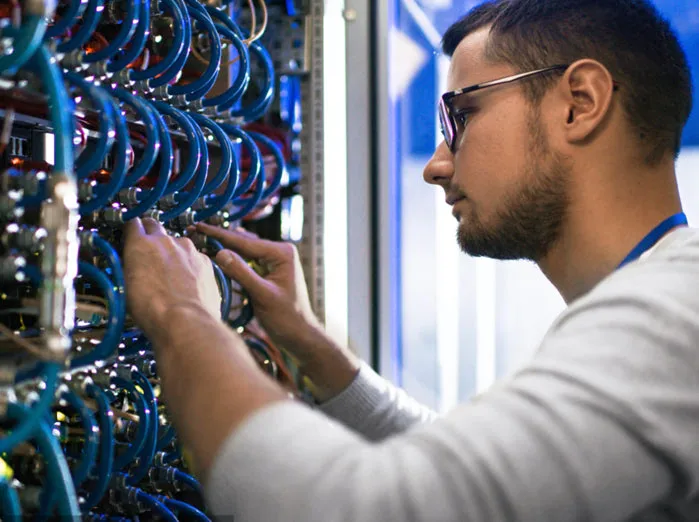
Fiber optic connectors are essential components in fiber optic networks, providing a reliable connection between cables and equipment. Removing these connectors requires care to avoid damaging the delicate fibers or the connector itself. This guide will help you safely and effectively remove a fiber optic connector.
Understanding Fiber Optic Connectors
Fiber optic connectors terminate the end of a fiber optic cable, ensuring precise alignment for data transmission. Common types of connectors include:- LC (Lucent Connector): Compact with a push-and-latch mechanism.
- SC (Subscriber Connector): Snap-in design for easy use.
- ST (Straight Tip): Bayonet-style connector.
- MPO/MTP: Multi-fiber push-on/pull-off connectors.
Tools and Materials Needed
- Fiber optic cleaning wipes or alcohol pads.
- Anti-static gloves to prevent contamination.
- Dust caps to protect the fiber ends.
- Tweezers or connector-specific tools (if required).
Step-by-Step Process to Remove Fiber Optic Connectors
1. Prepare the Workspace
- Ensure the area is clean and free from dust or debris.
- Turn off the equipment connected to the fiber optic cable to avoid active signal transmission.
2. Wear Protective Gear
- Wear anti-static gloves to protect the connector from contaminants.
- Avoid touching the fiber ends with bare hands to prevent oil or dirt transfer.
3. Identify the Connector Type
- Determine the type of connector to understand its removal mechanism.
- Some connectors have a push-and-pull design, while others may require twisting or unlocking.
4. Gently Release the Connector
- LC Connectors: Press the latch mechanism and gently pull the connector out.
- SC Connectors: Grip the connector body (not the cable) and pull it straight out.
- ST Connectors: Twist the bayonet coupling counterclockwise to release and then pull out.
- MPO/MTP Connectors: Press the release tabs on the sides and carefully pull the connector.
5. Avoid Excessive Force
- Never yank or twist a connector if it doesn’t release easily. Check for latches or locking mechanisms that may need to be disengaged.
6. Clean the Connector
- Use a fiber optic cleaning wipe or alcohol pad to clean the connector end immediately after removal.
- Place a dust cap on the connector to prevent contamination.
7. Secure the Cable
- Coil the fiber optic cable loosely to avoid kinking or bending beyond the specified radius.
Tips for Safe Removal
- Inspect Before Removing: Check for visible damage or debris on the connector.
- Use Proper Tools: Avoid makeshift tools that can damage the connector.
- Follow Manufacturer Guidelines: Refer to the equipment or connector manual for specific instructions.
Common Mistakes to Avoid
- Pulling the Cable: Always grip the connector body, not the cable itself.
- Skipping Cleaning: Dirty connectors can degrade network performance when reinstalled.
- Forcing Removal: Excessive force can damage both the connector and the equipment port.
About OWIRE: Experts in Fiber Optic Solutions
OWIRE has been a trusted name in fiber optic cable manufacturing since 2009. We specialize in high-quality products, including:- Single-mode and multi-mode fiber optic cables.
- FTTH cables, armored cables, and underwater solutions.
- Cat5, Cat6, Cat7, and Cat8 network cables.