

To make an optical cable work effectively, you need to follow a series of steps to ensure the proper installation, connection, and operation of the fiber optic system. Here’s how to make it work:
1. Choose the Right Optical Cable
- Single-mode or multi-mode cable: Choose based on the distance and bandwidth requirements. Single-mode is for long-distance, high-bandwidth applications, while multi-mode is for shorter distances.
- Cable type: Ensure the cable is appropriate for the environment (e.g., indoor, outdoor, or underground).
2. Prepare for Installation
- Planning: Map out the cable route to ensure the cable is protected from physical damage, kinks, or sharp bends.
- Tools: Gather necessary tools, including fiber strippers, cutters, cleaver, splicer (if needed), and a fiber optic tester.
3. Fiber Optic Termination
- Strip and Clean the Fiber: Carefully strip the fiber coating using a fiber stripper without damaging the glass core.
- Cleave the Fiber: Use a cleaver to cut the fiber to a precise length and to create a smooth end face for good light transmission.
- Connect the Fiber: Use connectors (LC, SC, ST, etc.) to terminate the fiber. You can use:
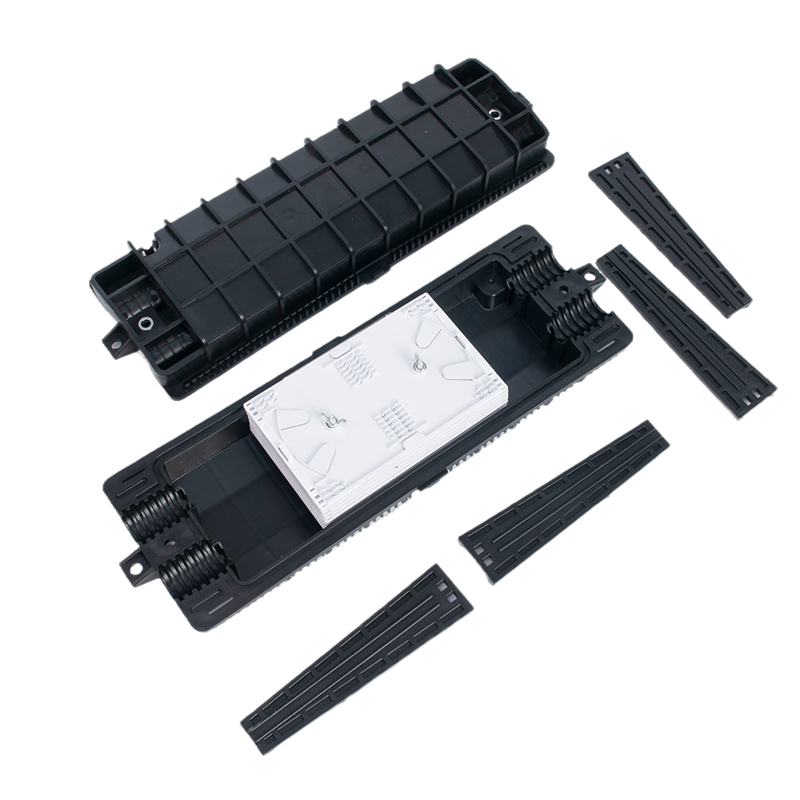
- Fusion Splicing: A process where two fibers are welded together using heat.
- Mechanical Splicing: Align and join the fiber ends with a special connector.
- Connector Testing: After installation, test the connectors for quality using an optical time-domain reflectometer (OTDR).
4. Cable Management
- Routing: Ensure the cable is routed without exceeding the bend radius to avoid signal loss.
- Protection: Place the cable in ducts or conduits to protect it from environmental factors.
5. Connecting Devices
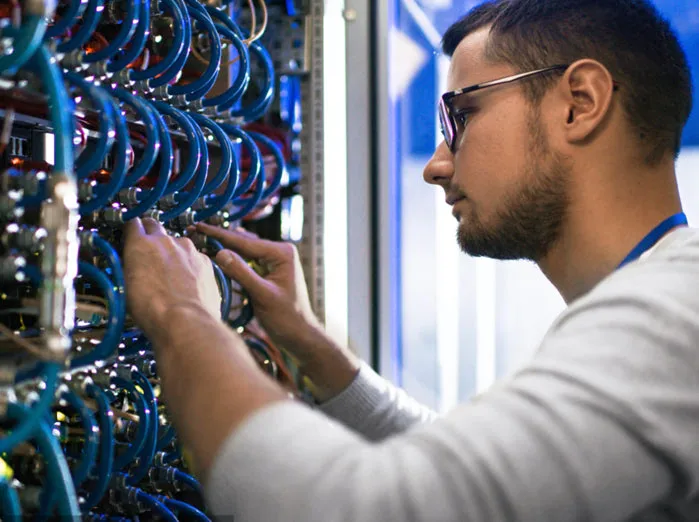
- Install Transceivers: Insert the optical transceivers (SFP modules) into the network devices (e.g., routers, switches).
- Plug in the Cables: Connect the optical cables from the transceivers to the fiber optic ports.
- Check for Compatibility: Ensure that the devices on both ends are compatible with fiber optic communication.
6. Test the System
- Power and Light Testing: Use a light source and power meter to ensure that the signal is traveling through the fiber.
- Signal Strength Testing: Measure the attenuation or signal loss with a tester to ensure the cable is performing within acceptable limits.
- Network Functionality: Test the network to ensure data is transmitted correctly between connected devices.
7. Maintenance and Monitoring
- Check for Performance Degradation: Monitor the system periodically using fiber testers to detect any loss in signal strength.
- Clean Connectors: Dust and dirt can impair performance, so clean connectors regularly using fiber optic cleaning kits.